Project Victor Learning Hub
Menu
Get Certified
PMI Authorized Training Partner · ATP #5029 · Bangkok

Managing Projects with Microsoft Project

Managing Projects with Microsoft Project is part of Project Victor’s Project Manager Tools pathway, delivered by experienced practitioners for professionals who need practical project results and certification-ready learning where relevant.

Course PriceTHB 34,000
SessionsRequest Date
DeliveryBangkok / Live online
Duration14 hours
Course Details

A Clearer Way to Review the Course

Managing Projects with Microsoft Project provides the flexible and intuitive tools and solutions to help create the project plan, track progress, adjust resources as needed, and make the project more visible, so that others can see the status of a project. In this Microsoft Project training course, you gain the skills to manage and maintain control of multiple projects more efficiently for your organization.

The overall aim of this course is to train participants on the use of Microsoft Project software and enable them to discover most of its features. Participants will be able to develop project schedules and calendars, customize different charts, views and tables. The course also aims at training participants on different project related techniques such as resources assignments and leveling, tracking progress and consolidating project plans. Participants will learn how to do deep scheduling, resource capacity planning, progress tracking and status reporting. Participants will learn industry standard best practices for project management using Microsoft Project.
Who Should Attend

Project schedulers, project planners, project coordinators, project managers, members of project office and anyone interested in project management.

What Is Included

  • Soft copy of all exercises and case studies discussed
  • 2-Days at a reputable hotel that includes 2 coffee breaks and International Buffet lunch
  • PMI® Contact Hours: Each Contact Hour is 1 PDU (Total of 14 Contact Hours/PDUs for full course)
Format & Preparation

What to Expect Before You Arrive

01

Delivery Method

The course relies heavily on hands-on training using Microsoft Project software. The methods used will also include a mix of interactive techniques; brief presentations by the consultant and the participants, group exercises and discussions.

02

Course Duration

  • Two Days (equivalent to 14 Contact Hours or Professional Development Units – PDUs)
03

Prerequisites

  • Basic Knowledge of Project Management
  • A laptop with an installation of Microsoft Project Professional 2013, 2016, and 2019 (On Premise Solution).

Note: Microsoft provides 1-month trial version of the software.

What You Will Learn

Skills You Can Apply at Work

  • Build more useful plans, schedules, reports, or AI-assisted workflows.
  • Connect tool usage to real project control and communication needs.
  • Reduce manual effort through better structure and repeatable practices.
Upcoming Schedule

Next Public Session

No public dates are currently published for this course. Contact us for the next public class or a private corporate schedule.

Course Outline

What the Course Covers

About Microsoft Project

  • About Microsoft Project

Microsoft Project Basics

  • Microsoft Project Basics

Setting up a Project

  • Setting up a Project

Scheduling Basics

  • Scheduling Basics

Managing Resources Basics

  • Managing Resources Basics

Project Planning and Scheduling

  • Creating the WBS
  • Creating the Activity List

Project Scheduling Management

  • Activity Sequencing
  • Applying Leads and Lags
  • Estimating Activity Resources
  • Estimating Activity Duration
  • Developing the Project Schedule Network Diagram
  • Determining the Critical Path

Working with Variances

  • Using the Variance Table
  • Checking for Variances
  • Display Work Variances
  • Display Cost Variances

Bonus Case Studies

  • Case Study: Tracking Costs
  • Case Study: Cost Resources (best practice)
  • Case Study: Tracking the Schedule
  • Case Study: Using Subprojects
  • Using Resource Pools
  • Working with Different Projects
Your Instructor

Trainer Credentials & Experience

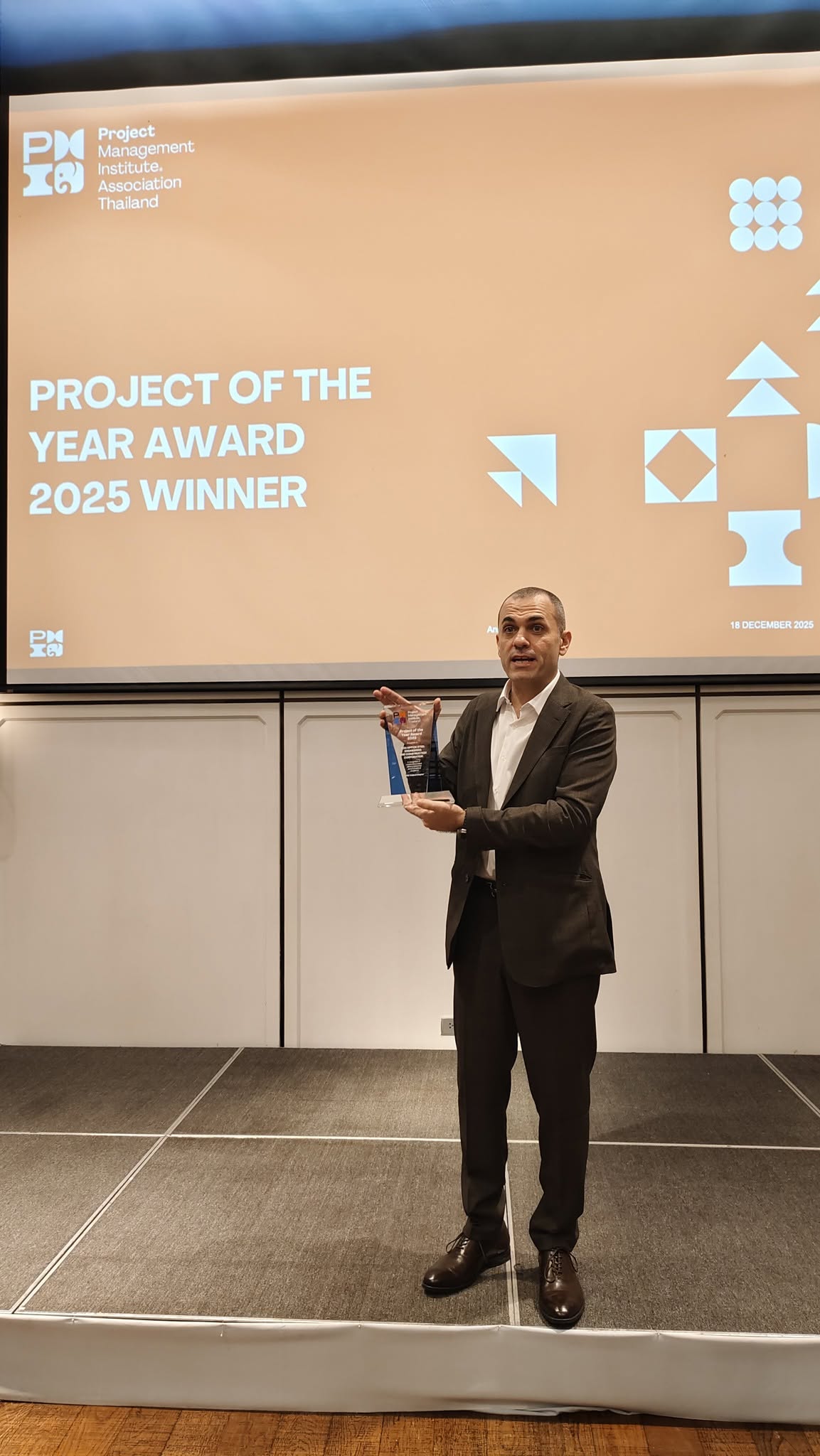
Dr. Petros Rigas
Dr. Petros Rigas, PMP, PgMP, PMI-ACP, RMP, SAFe SPC 6.0

Dr. Petros Rigas

President of PMI Thailand Chapter for 13 years (2011–2023) · Past President & Chapter Counselor
  • PMI licensed training instructor — profile on PMI’s global website.
  • Certified Program Management Professional (PgMP®) — Certificate #2079271.
  • Certified Project Management Professional (PMP/CAPM®) — Certificate #1258917.
  • Agile Certified Practitioner (PMI-ACP®) — Certificate #2600926.
  • Certified Scrum Master (CSM®), Scrum Alliance — Certificant ID 001062861.
  • SAFe Program Consultant (SPC)® 6.0 — Certificate ID 50804412-3031.
  • SAFe Agilist® 6.0 — Certificate ID 23353981-8934.
  • Certified Risk Management Professional (RMP®) — Certificate #2033120.
  • Mega-project leadership experience in IT, airport, CCTV, transport, and power infrastructure.
  • Commercial contract manager, reviewer, and advisor.
  • Part-time lecturer at KMUTT (Master’s in Project Management) and an invited lecturer at Chulalongkorn University.
  • Doctorate from Assumption University of Thailand, with publications on business management.
  • Trained 5,000+ project professionals and helped certify 800+ PMPs/CAPMs/PMI-ACPs in Thailand since 2010.
PMI Authorized Training Partner InstructorATP #502913 Years PMI Thailand Chapter President
Additional Course Details

Useful Details

Additional course details

Participants will learn the following skills in this course:

  • Creating and initializing a new project: Learn how to create and maintain calendars, custom fields and customize settings for the project.
  • Creating and modifying task based schedules: Define project properties, task structure, create a schedule model, and manage shared projects.
  • Managing assignments and resources efficiently: Manage resource allocation using Team Planner, and assign costs by applying resource-rate table.
  • Tracking and analyzing the progress of a project: Understand how to create and maintain baselines, monitor and compare the progress of the project; and resolve any issues in the schedule.
  • Communicating project related information: Learn about making the project information available for reporting, sharing and viewing.

Ready to Join Managing Projects with Microsoft Project?

THB 34,000

Includes hotel, meals & all materials.
Request Upcoming Schedule
Download Brochure
Need Help Choosing?

Tell Us Your Goal. We Will Point You to the Right Class.